
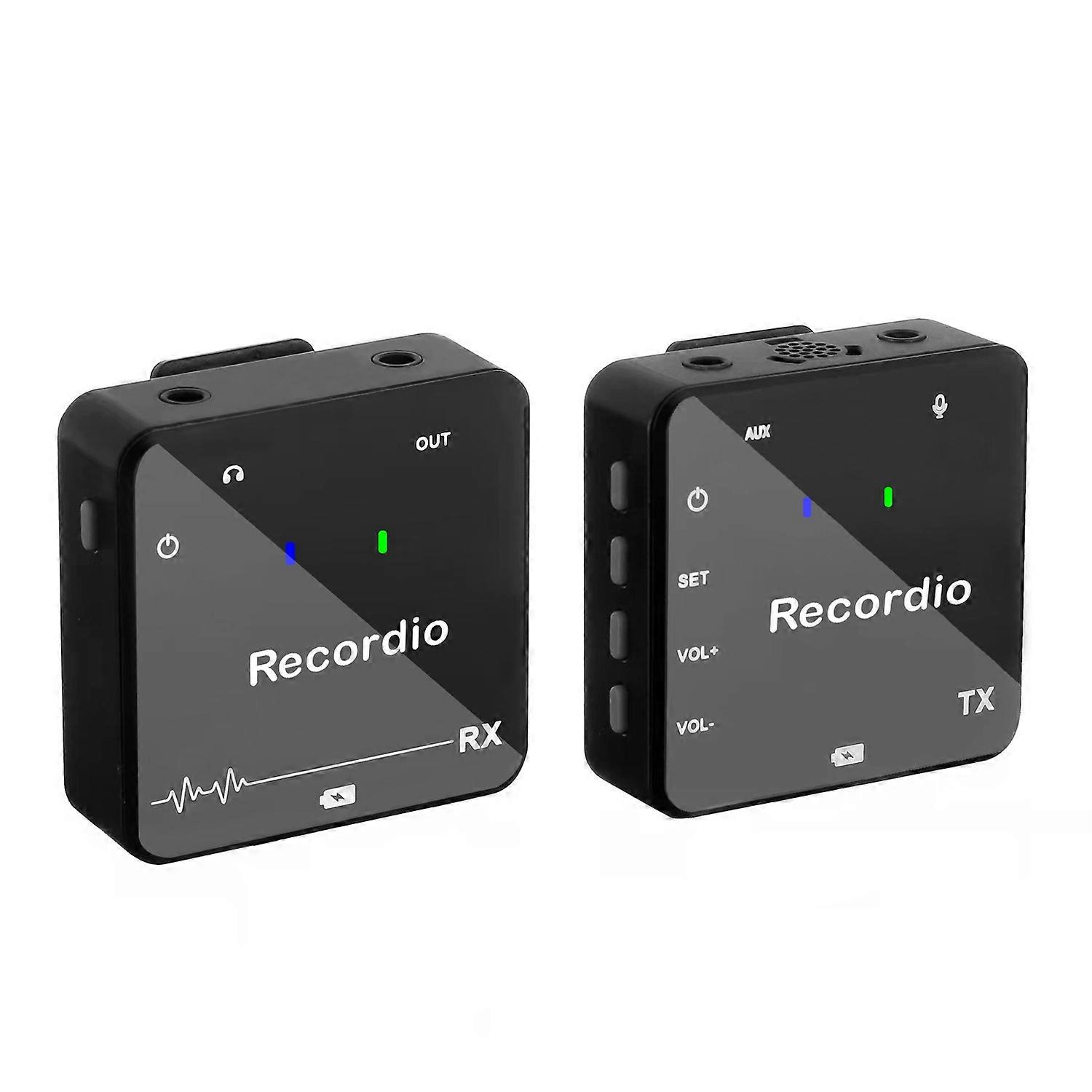
GAW-810 small wireless microphone Mini live clip microphone portable outdoor interview microphone
Description
𝐓𝐎 𝐁𝐄 𝐒𝐇𝐈𝐏𝐏𝐄𝐃 𝐅𝐑𝐎𝐌 𝐂𝐇𝐈𝐍𝐀 {𝟐-4𝐃𝐀𝐘𝐒 free shipping} 𝐏𝐋𝐄𝐀𝐒𝐄 𝐌𝐀𝐊𝐄 𝐅𝐔𝐋𝐋 𝐏𝐀𝐘𝐌𝐄𝐍𝐓𝐒
Model: GAW-810,
Time to market: 2025
Applicable to: household, computer and recording
Overall dimension: 20x12x5cm 0.30kg
Display: None
With wireless: None
With or without support: None
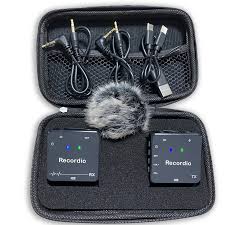
Packing list: receiver + transmitter + conversion line * 2 + rabbit hair + color box (or leather bag)
Color: GAW-810, GAW-811
Built in battery capacity: 300 ma - 500 mA
Endurance: 3-6 hours
Signal to noise ratio: ≥ 60dB
Frequency response range: 20Hz-20KHz
Before using this product, please read the following steps carefully:
1. Connect the RX receiver to the mobile device with the mobile phone cable, and use the camera cable to connect the camera video recorder/audio/sound card/mixer and other devices with 3.5MM/6.35M audio jacks
2. Press the RX receiver switch key and turn on the power switch 3. When you see that the indicator light of the RX receiver is green, the receiver is in standby state, and the RX receiver and TX transmitter are connected and used normally.
RX receiver
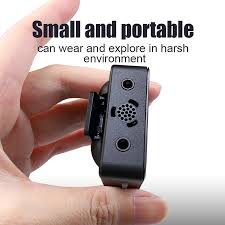
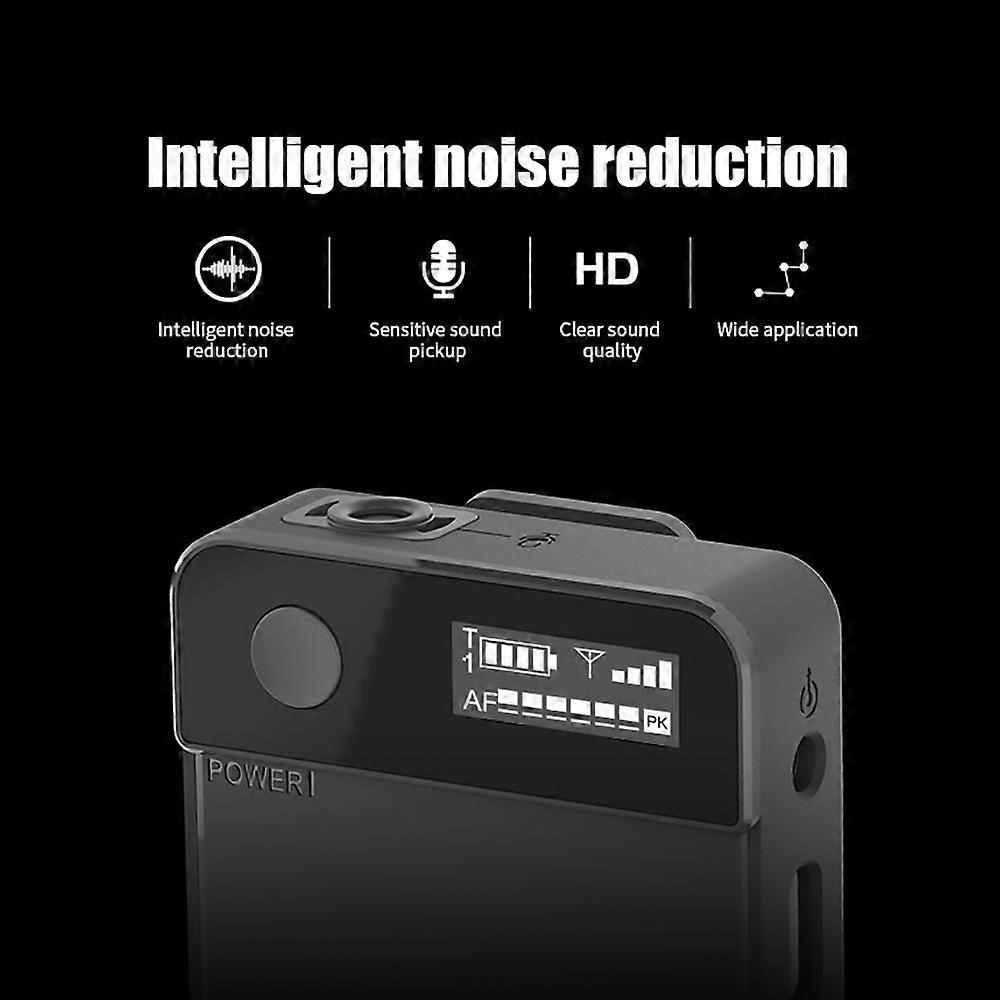
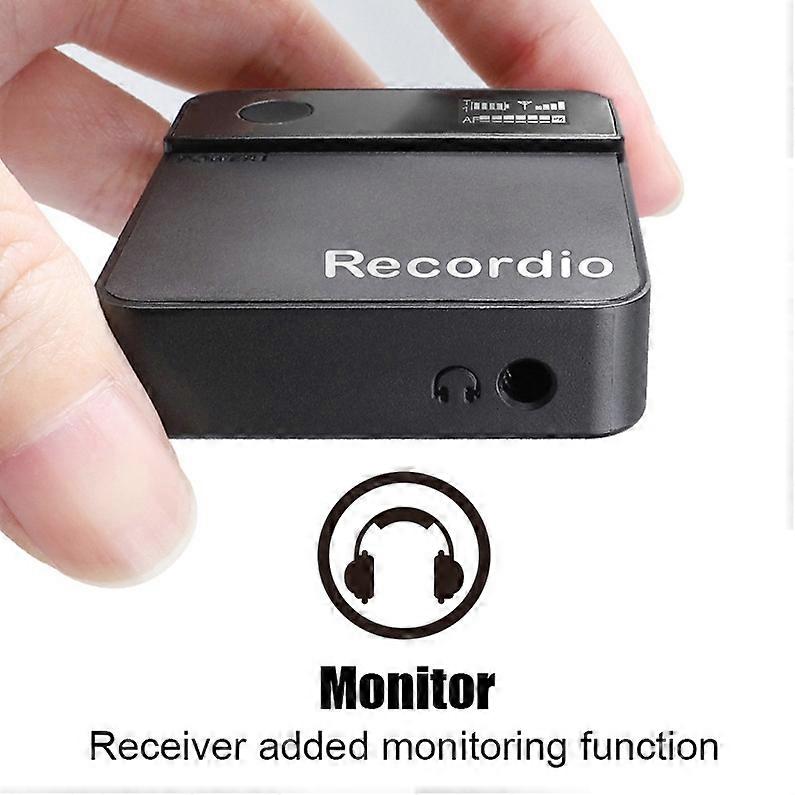
1/Power switch2/Monitor interface3/Audio output OUT4/Charging port TYPE-c (the charging light is red, the light is off when it is full> the green light is on for standby, the red light is on for the A channel is on, the blue light is on for the B channelTX transmitter4. When the green light of the TX transmitter is on, it is in standby. When the red light is on, it is channel A. When the blue light is on, it is channel B.5/Power switch6/SET frequency adjustment7/volume plus+8/volume reduction9/audio input10/Built-in microphone11/External microphone jack (plug in external microphone, built-in microphone does not work)
Customer Reviews
No reviews yet. Be the first to review this product!
Related Products
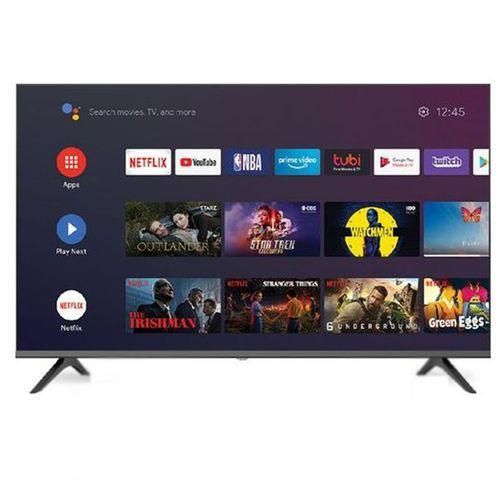
Global Star Globalstar 40 Inch Frameless Smart Android TV, Netflix, Youtube - Black
ELECTRONICS
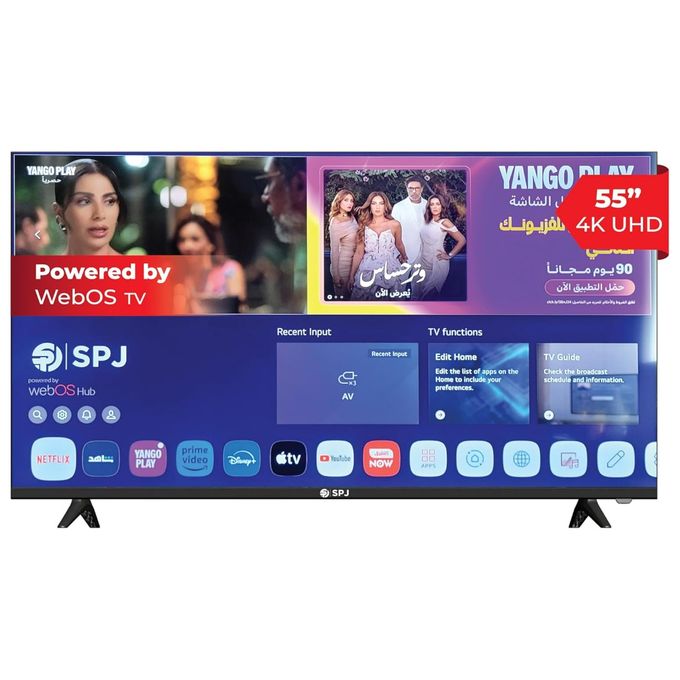
SPJ 50 Inch Smart Frameless UHD 4K Ai ThinQ Webos Series TV - Black (3 YRS WRNTY)
ELECTRONICS
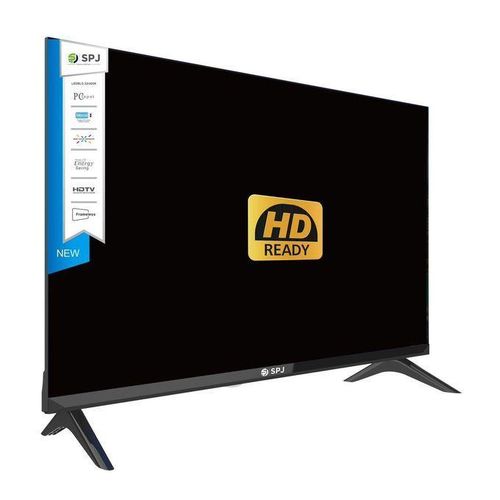
SPJ 43 Inch Digital LED TV With Inbult Decorder (Free To Air Channels) - Black
ELECTRONICS
Global Star Bluetooth Speaker Home Speaker GS-906 5.1 Home Multispeaker System (1YRS WRNTY)
ELECTRONICS
SPJ SPJ 3.1 CH Karaoke Wooden Body Multimedia Speaker - Black. (3YRS WRNTY)
ELECTRONICS
Global Star 65 Inch 4K UHD Android Smart Tv With Built-In WIFI - (1YRS WRNTY)
ELECTRONICS
Smartec 50 Inch 4k VIDAA Smart Frameless TV - 1YR Warranty
ELECTRONICS
Smartec 43 inch Android Smart TV - Black
ELECTRONICS